 Image 1 of 1
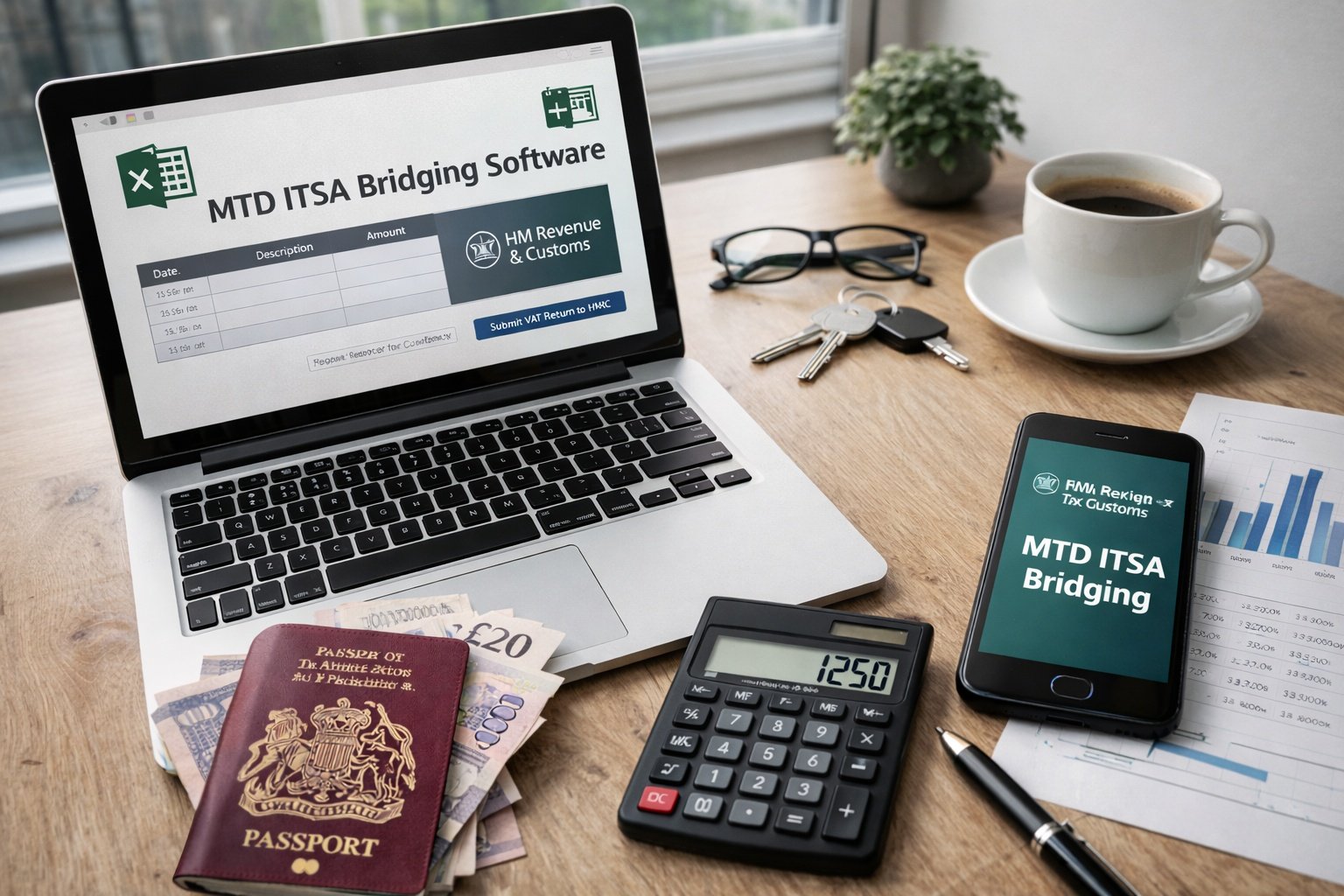
Bridging software allows sole traders and landlords to continue using spreadsheets while complying with Making Tax Digital for Income Tax (MTD ITSA). it allows compliance with MTD ITSA, without using accounting software.
👉 Book a meeting to check whether bridging software is suitable
MTD ITSA bridging software:
Connects your spreadsheet records to HMRC
Submits quarterly updates, End of Period Statements (EOPS), and Final Declarations
Maintains the digital links required by HMRC
It does not replace spreadsheets and does not manage bookkeeping automatically. Accuracy of the records remains the taxpayer’s responsibility.
👉 Discuss whether bridging software is appropriate before committing
Bridging software is typically suitable where you:
Already maintain records accurately in spreadsheets
Use stable and straightforward income and expense categories
Have confidence in maintaining digital records consistently
Do not want the complexity of full accounting software
It may be less appropriate where records are complex, frequently adjusted, or where additional controls are needed.
👉 Book a free short suitability review and fixed-fee quote
You record your Income and expenses in a spreadsheet
The spreadsheet categories are mapped to HMRC requirements
The bridging software creates a compliant digital link to HMRC
You use the software to submit Quarterly updates digitally
Year-end EOPS and Final Declaration are submitted in the same way
Quarterly updates are informational only and do not generate tax bills.
👉 Talk through the submission process and setup requirements
This service provides a one-time setup and configuration to ensure bridging software is implemented correctly from the outset.
What the Setup Includes
Advice about general digital record keeping
Advice on suitability for bridging software
Guidance on selecting appropriate bridging software
Review of spreadsheet structure for MTD compliance
Mapping of income and expenses to HMRC categories
HMRC integration set up and testing
Walkthrough of the quarterly submission process
What the Setup Does Not Include
Software licence
Ongoing bookkeeping or spreadsheet maintenance
Preparation or submission of quarterly updates
Ongoing compliance monitoring or tax advice
Ongoing support is available separately if required.
👉 Discuss booking bridging software setup
Advantages
Continue using familiar spreadsheets
Lower cost than full accounting software
Minimal change to existing processes
Limitations
Manual processes remain
Fewer built-in controls
Changes to your spreadsheet can break automation
Greater reliance on user accuracy
Understanding these trade-offs is essential before choosing this approach.
👉 Talk through the pros and cons before deciding
MTD ITSA is a compliance change, not a software decision. Bridging software works only when the setup is appropriate, correct, and HMRC-compliant.
Circular3 focuses on:
Getting it right first time
Setup is based on HMRC rules, not shortcuts.
Suitability before software
Bridging software is used only where it fits the circumstances.
Clear scope, fixed fee
One-off setup with no implied ongoing commitment.
Practical spreadsheet experience
Real-world understanding of spreadsheet-based records.
Compliance-first approach
Digital links, audit trails, and reduced HMRC risk.
The aim is simple: compliant MTD ITSA systems that work in practice—without unnecessary complexity.
Bridging software allows sole traders and landlords to continue using spreadsheets while complying with Making Tax Digital for Income Tax (MTD ITSA). it allows compliance with MTD ITSA, without using accounting software.
👉 Book a meeting to check whether bridging software is suitable
MTD ITSA bridging software:
Connects your spreadsheet records to HMRC
Submits quarterly updates, End of Period Statements (EOPS), and Final Declarations
Maintains the digital links required by HMRC
It does not replace spreadsheets and does not manage bookkeeping automatically. Accuracy of the records remains the taxpayer’s responsibility.
👉 Discuss whether bridging software is appropriate before committing
Bridging software is typically suitable where you:
Already maintain records accurately in spreadsheets
Use stable and straightforward income and expense categories
Have confidence in maintaining digital records consistently
Do not want the complexity of full accounting software
It may be less appropriate where records are complex, frequently adjusted, or where additional controls are needed.
👉 Book a free short suitability review and fixed-fee quote
You record your Income and expenses in a spreadsheet
The spreadsheet categories are mapped to HMRC requirements
The bridging software creates a compliant digital link to HMRC
You use the software to submit Quarterly updates digitally
Year-end EOPS and Final Declaration are submitted in the same way
Quarterly updates are informational only and do not generate tax bills.
👉 Talk through the submission process and setup requirements
This service provides a one-time setup and configuration to ensure bridging software is implemented correctly from the outset.
What the Setup Includes
Advice about general digital record keeping
Advice on suitability for bridging software
Guidance on selecting appropriate bridging software
Review of spreadsheet structure for MTD compliance
Mapping of income and expenses to HMRC categories
HMRC integration set up and testing
Walkthrough of the quarterly submission process
What the Setup Does Not Include
Software licence
Ongoing bookkeeping or spreadsheet maintenance
Preparation or submission of quarterly updates
Ongoing compliance monitoring or tax advice
Ongoing support is available separately if required.
👉 Discuss booking bridging software setup
Advantages
Continue using familiar spreadsheets
Lower cost than full accounting software
Minimal change to existing processes
Limitations
Manual processes remain
Fewer built-in controls
Changes to your spreadsheet can break automation
Greater reliance on user accuracy
Understanding these trade-offs is essential before choosing this approach.
👉 Talk through the pros and cons before deciding
MTD ITSA is a compliance change, not a software decision. Bridging software works only when the setup is appropriate, correct, and HMRC-compliant.
Circular3 focuses on:
Getting it right first time
Setup is based on HMRC rules, not shortcuts.
Suitability before software
Bridging software is used only where it fits the circumstances.
Clear scope, fixed fee
One-off setup with no implied ongoing commitment.
Practical spreadsheet experience
Real-world understanding of spreadsheet-based records.
Compliance-first approach
Digital links, audit trails, and reduced HMRC risk.
The aim is simple: compliant MTD ITSA systems that work in practice—without unnecessary complexity.